
WordPress 4.1 Error uploading images, multimedia not loading
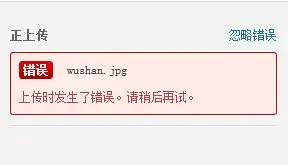
After WordPress upgraded to 4.1, many friends encountered a problem, when uploading images prompted “An error occurred while uploading, please try again later”, when I open the media library to view the images, it also keeps loading and the images are not displayed. The error screen is shown below.
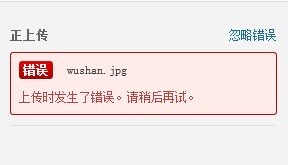
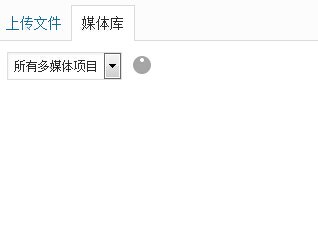
I looked for a long time to find the reason for this problem, in fact, or the old problem, is that the WordPress theme file is saved, saved as a UTF8 + BOM format, as opposed to no UTF8 + BOM format, this format of the file in front of the file will be more than a few invisible bytes, it is these bytes lead to the emergence of this problem.
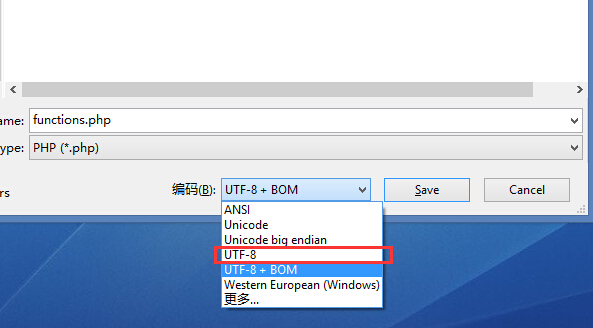
The solution to the problem is to save the file as a UTF8 BOM-free format, the above screenshot I used editplus code editor, other support for modifying the file encoding editor can also be achieved. After modification, re-upload the modified file, and then refresh to see if the problem is solved?
If the problem is not solved by following the above, feel free to ask in the comments.



It doesn't really work.
Of course, this is not the only reason for the error, and if the methods in the article were tried and didn't solve it, it could be something else.