Creating a new user role based on an existing WordPress role and modifying the permissions of the new role
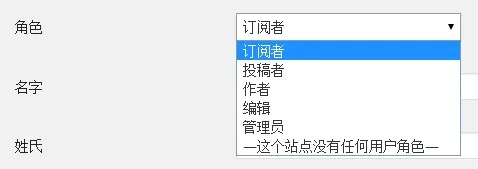
In a previous posting on this site, the introduction of theWays to Customize Modify Permissions of WordPress Roles Without PluginsIf you want to create a new role for a user with certain needs, instead of modifying the permissions of the default role, you can use WordPress'add_rolemethod to add roles. When you add a role, you directly inherit the permissions of the existing role, and then you can add or reduce the permissions according to your needs.
The code below is my new collaborator role based on WooCommerce's shop_manager permission, this role can only access WooCommerce's order and product pages, article, page, comment and export permissions are not available. Let's take a look at the code.
// Remove unnecessary caps for shop manager
add_action( 'admin_init', 'remove_shop_caps' ); function remove_shop_caps()
function remove_shop_caps() {

    // First get the WooCommerce ‘shop_manager' role.
    $shop_manager = get_role('shop_manager‘);

    // Then create a new role based on the permissions of the 'shop_manager' role.
    $partner = add_role('partner','partner',$shop_manager->capabilities);

    $partner = get_role('partner');

    // Remove some unneeded permissions from the new role
    $partner->remove_cap( 'edit_comment' );
    $partner->remove_cap( 'edit_users' );
    $partner->remove_cap( 'edit_pages' );
    $partner->remove_cap( 'edit_posts' );
    $partner->remove_cap( 'manage_categories' );
    $partner->remove_cap( 'export' );
}
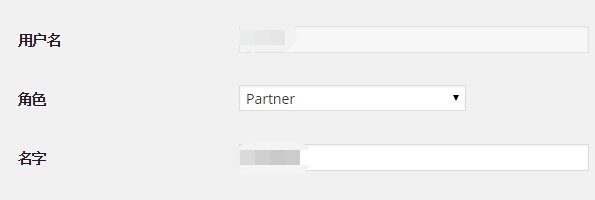
Paste the above code into the functions.php file or plugin file, when you create a new user, you will have the role “Partner”, assign the “Partner” role to the new user, and the new user will only be able to access the The new user can only access WooCommerce orders and products, but nothing else.